Instagram , A Social Media Website which is used by pretty much every person these days . Some of you use it on Phones or tables while the others use it on PC . Its a bit difficult to use it on a PC though , So here I am to help you with it .
Method I : The easy and reliable one
1. Open up your web browser (any web browser would fine) .

3. Click on the the top right Icon of "Paper plane"

4. Search the person to Text and the type your message !! easy right ?

Method II : [For Windows 10 Only]
1. Launch Microsoft Store .

2. Search for Instagram .

3. Install and launch the application .

4. Now just login there and have fun ;)
Method III : The one with Emulator
(⚠This is the method that you should try in last⚠)
- Download any android emulator of your choice , If you don't know about them , then just download and install this : Bluestacks.
- Launch the emulator and then, you’ll be prompted to key in your Google account credentials.
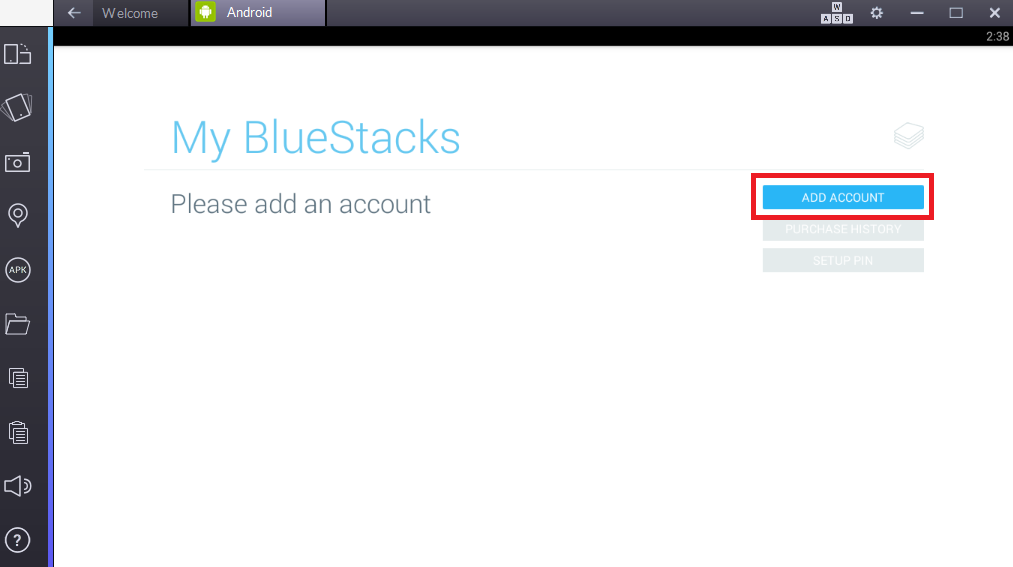
3.Complete the setup needed and click on ‘Search’, Search for "Instagram" and get it installed
4. Launch the Application and Login , Now you are good to Go !!
~Keep learning !!~
Comments
Post a Comment